

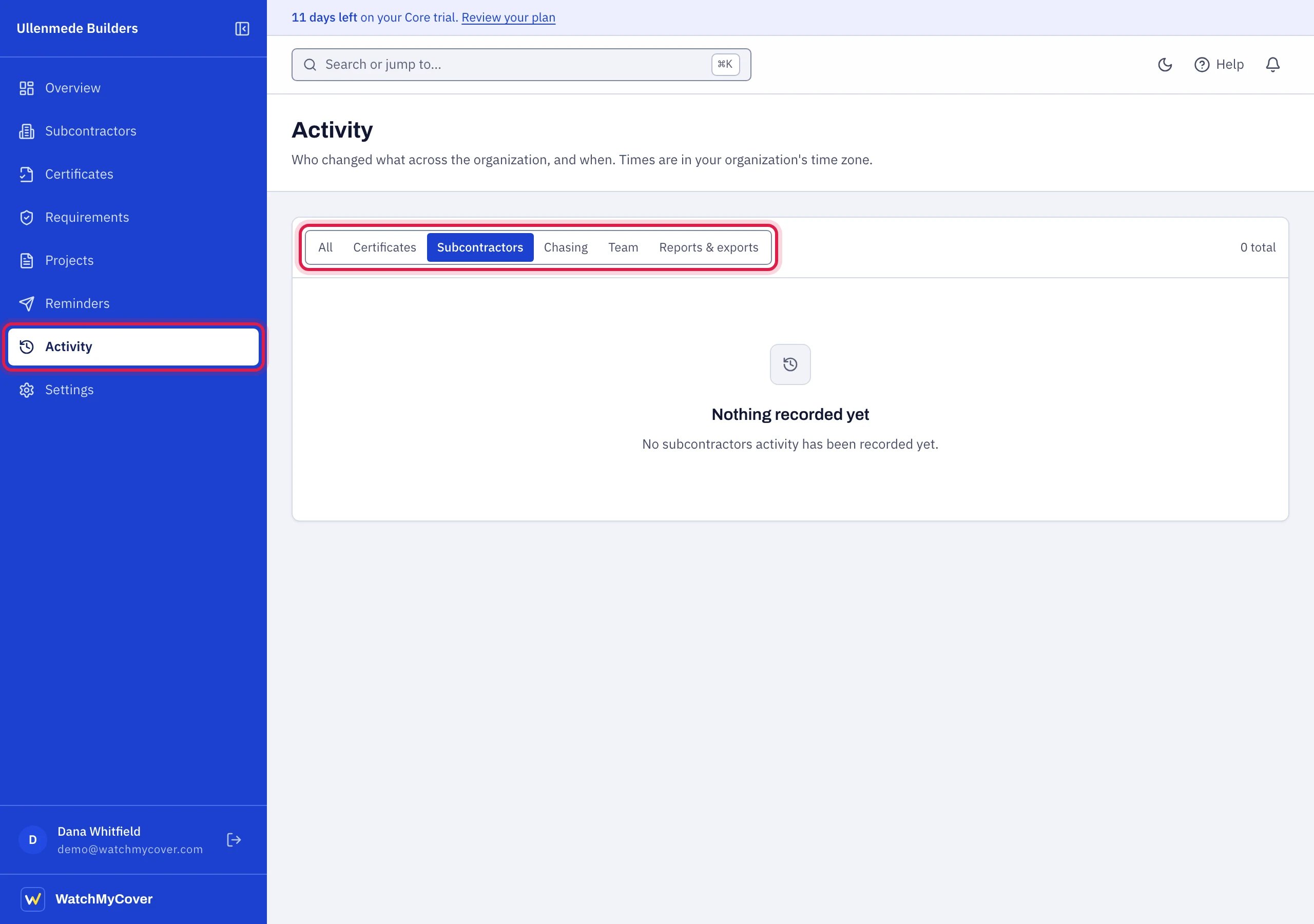
Activity, with its filters above the list.
What it shows
Filters
All, Certificates, Subcontractors, Chasing, Team, Reports & exports. Organization, requirement template, project, email delivery and billing entries are listed under All only. The list shows 25 entries at a time, with the total; choose Show older for earlier ones. The log goes back to the day the workspace was created.What is recorded
- Organization: the organization created, settings changed (including chasing switched on or off, reply-to, time zone, warning window, and two-factor sign-in required or no longer required for the team), the company logo changed or removed.
- Subcontractors: added, edited, archived, restored, added or updated from a spreadsheet, chased by hand.
- Certificates and documents: certificate recorded, viewed, read into the form, or not readable automatically; document added, received through an upload link, marked read, downloaded, archived; upload link created or withdrawn.
- Requirements and projects: templates created, changed, deleted; projects created, changed, completed, archived, restored, deleted.
- Chasing: reminder canceled, reminders regenerated.
- Email delivery: a chase bounced or was marked as spam, a bounced address allowed again, an insurance agent no longer copied.
- Team and sign-in: invitations sent and withdrawn, members joined, removed or given a new role, sign-ins, password changes, email confirmed, two-factor sign-in turned on or off.
- Reports and exports: report shared, report revoked, register exported.
- Billing: payments received and failed; a subscription started, changed or ended, with the plan, status and paid-until date before and after. These come from the payment provider, so they are shown as done by WatchMyCover. No card details are recorded.