

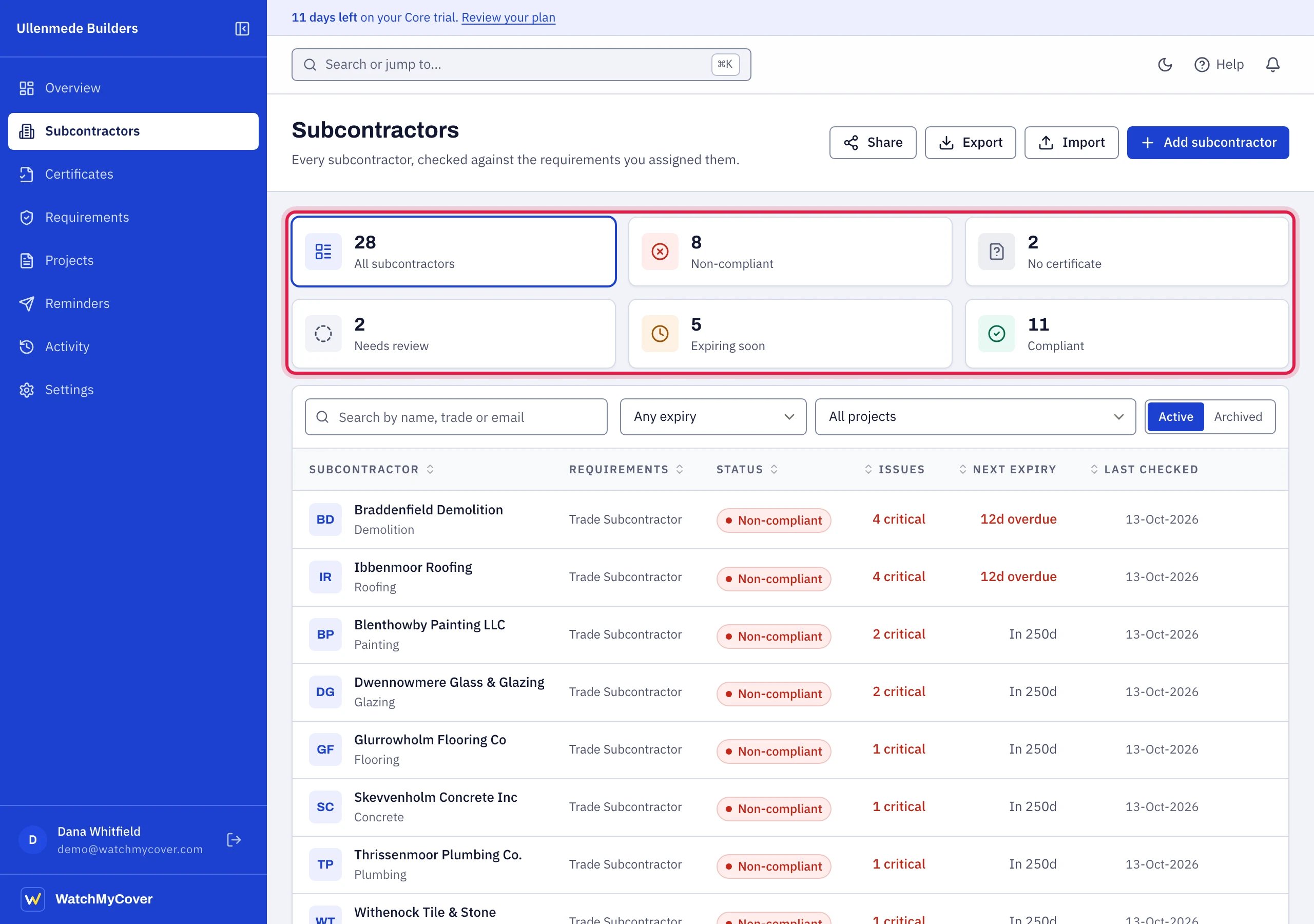
Subcontractors: the status tiles, then the register.
Columns
On a tablet or a narrow window (under 1280 pixels wide), Requirements and Last checked are left out so the table fits, and the list cannot be sorted by them there. A subcontractor with no requirements then reads No requirements assigned under its name.
Select a row to open the subcontractor’s page. Point at a row and two icons appear at its right: Edit opens the subcontractor’s details without leaving the list, and Archive asks first and then archives them. In the Archived view the icon is Restore.
The list shows 25 subcontractors to a page, with the page numbers and “1-25 of n” at the foot. On a phone each subcontractor is a card showing the name, status, issues and next expiry.
Search and filter
- Status tiles. Across the top are six tiles: all subcontractors, then Non-compliant, No certificate, Needs review, Expiring soon and Compliant, each with how many there are. Choose one to see only those; choose it again, or All subcontractors, to see everyone. The numbers follow the other filters, so they always match what choosing the tile would show.
- Search by name, trade or email.
- Expiry: Any expiry, Expiring within 7 days, Expiring within 30 days, and your own warning window when it is neither. These count from tomorrow forward. A policy is expired on its expiry date, so one that expires today has already lapsed and is not included; find those under the Non-compliant status.
- Project: all projects, or one. Shown once you have a project. See Projects.
- Active or Archived subcontractors, a two-way switch. See Archiving and restoring.
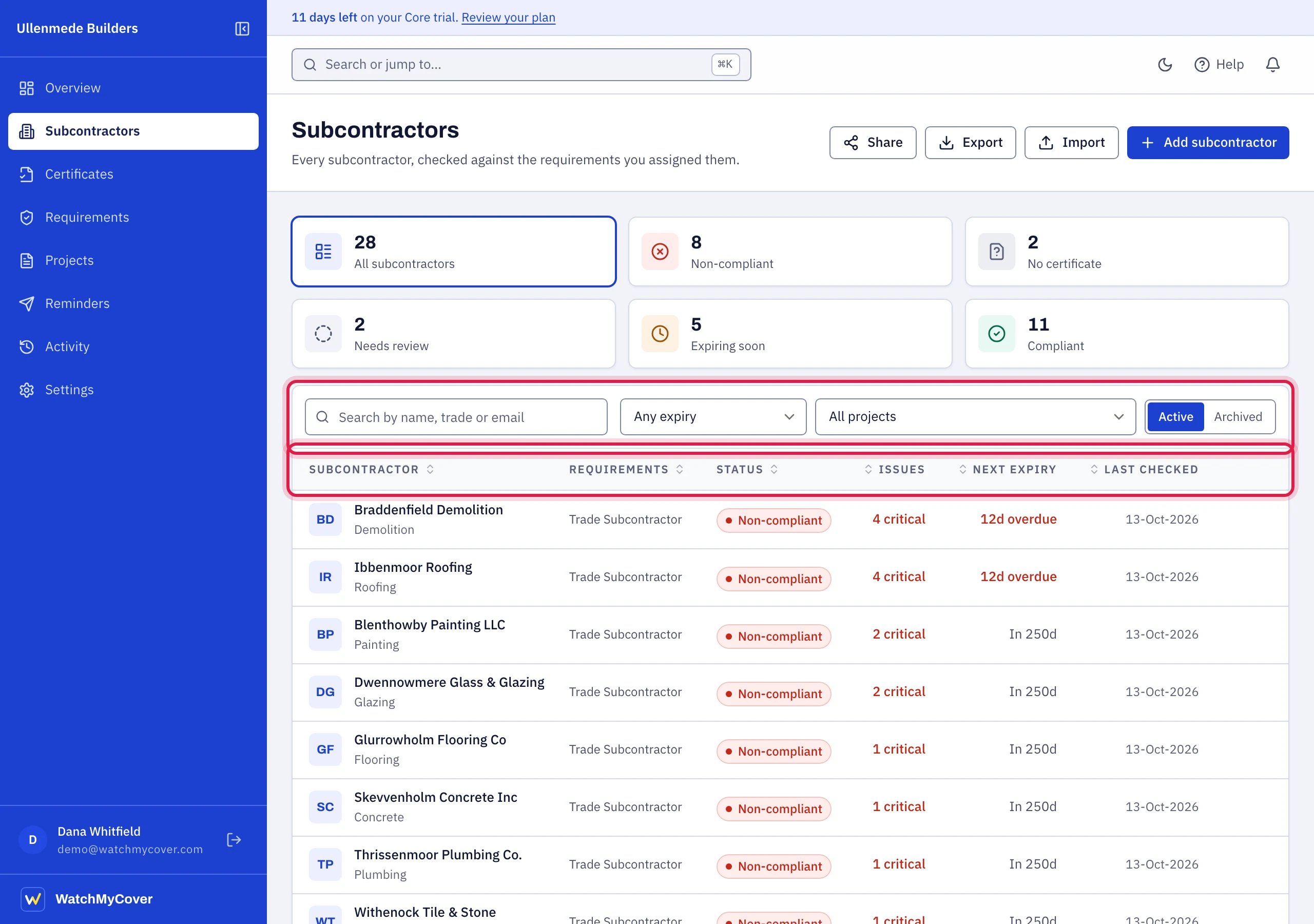
Search and filters, and the column headings you can sort by.
Sort
The list starts risk first: most critical findings, then most unverifiable findings, then most warnings, then soonest expiry, then name. Choose any column heading to sort by that column, and choose it again to reverse the order. An arrow beside the heading shows which column and which way. Back to risk first returns to the default. On a phone, where the list is cards without headings, a Sort list offers Risk first, Soonest expiry and Name. Searching, filtering and sorting run on the server, so the list stays quick however long it is.Actions on this page
- Share: opens Settings → Export & sharing to create a report link.
- Export: download the register. The file is always the whole active register, whatever is searched or filtered on screen.
- Import: import a spreadsheet. The CSV template is in the import window.
- Add subcontractor: add one by hand.
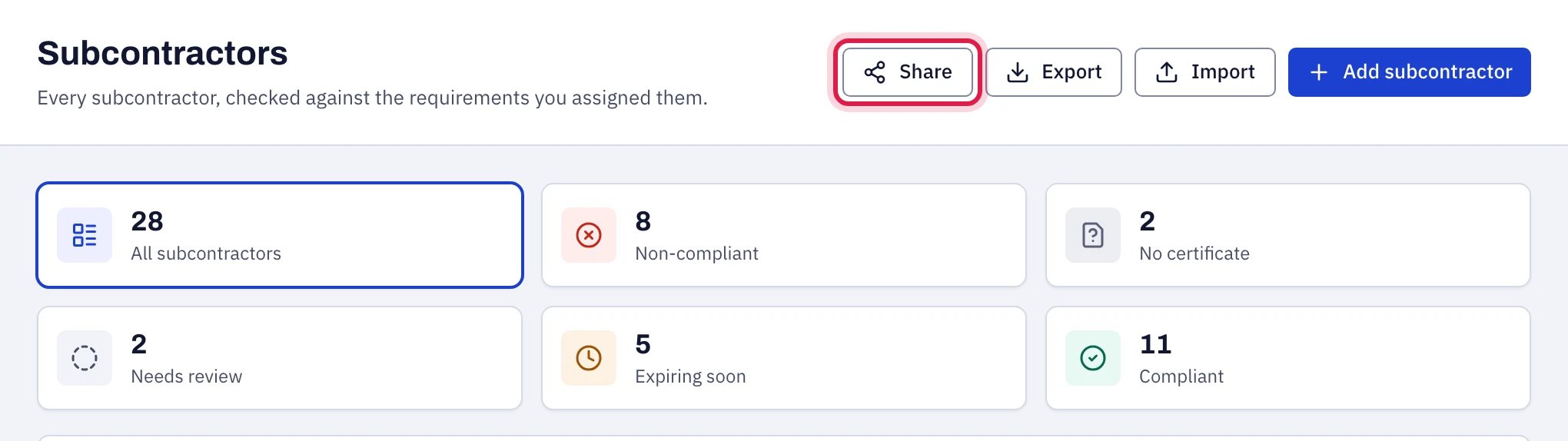
The four actions at the top right of Subcontractors.